Disclaimer: postman-cli-completion is a personal, unofficial open-source project I built on my own time. It is not a Postman product, and it is not affiliated with, endorsed by, or supported by Postman. If something breaks, please open an issue on the GitHub repo — not with Postman support.
Reaching for postman --help, again
If you use the Postman CLI, how many times have you typed postman --help just because you couldn’t remember a subcommand name?
collection, spec, monitor, workspace, flows. That’s a lot to keep in your head just at the top level. Under each of those sit more subcommands, flag values like -r cli,json,junit,html, and file arguments such as *.json and *.yaml. You type from memory, get it wrong, scroll back through history, and squint at --help again. It’s a familiar little friction of CLI work.
Tab completion would solve it. So I built postman-cli-completion for myself — a small, unofficial open-source tool that adds tab completion for the postman command to zsh, bash, and fish.
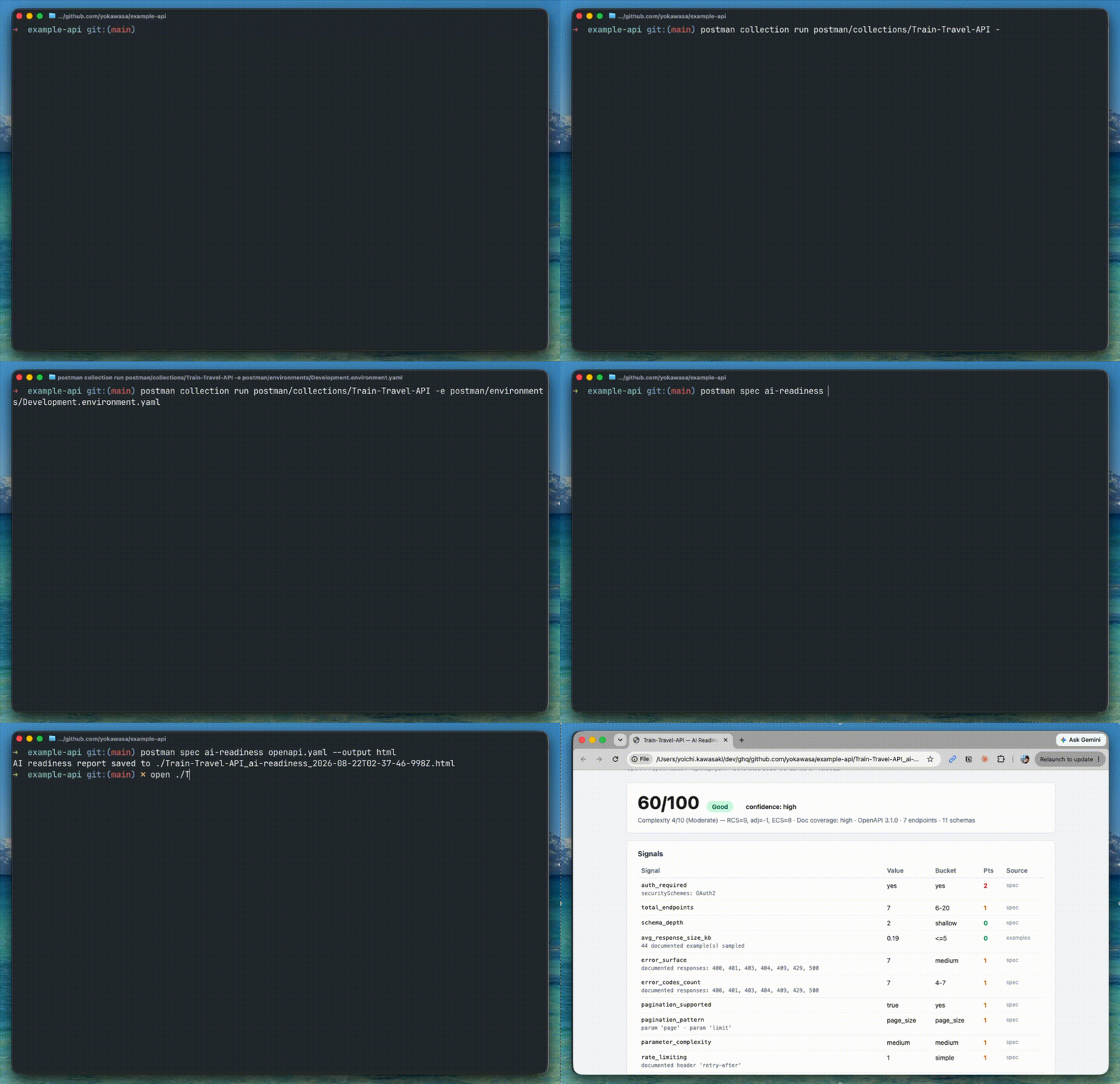
What the tool is
postman-cli-completion is my own set of shell completion scripts for the Postman CLI. It supports zsh, bash, and fish.
Here’s what it completes:
- Top-level commands like
login,collection,spec,monitor,workspace, andflows, and their subcommands - Flags for each command (
--environment,--reporters, and so on) - Local file arguments (
*.jsonfor collections,*.yaml/*.yml/*.jsonfor specs)
What it does not do is dynamic completion of remote IDs. Fetching collection IDs or workspace IDs from the API to complete them inline is out of scope. IDs are almost always copy-pasted anyway, so the tool draws the line there.
The license is MIT. It’s distributed on npm, and installation is a single command.
How to use it
npm is the fastest way in
npm install -g postman-cli-completion
This installs a helper command called postman-completion. The name is close, but this is not the actual postman CLI, so if you haven’t installed that yet, grab it separately:
npm install -g postman-cli
postman-completion is a small helper that prints the completion script for a given shell to stdout. You wire that output into your shell to enable completion.
zsh
To try it in the current shell:
source <(postman-completion zsh)
To make it persistent, add this to ~/.zshrc:
fpath=("$(postman-completion path zsh --dir)" $fpath)
autoload -Uz compinit && compinit
All this does is add the completion script’s directory to fpath and let compinit pick it up. Nothing exotic.
bash
Add this to ~/.bashrc:
source <(postman-completion bash)
One caveat: the script uses shopt -s extglob, so it needs bash 4 or later. The bash that ships with macOS is still 3.2, so install a newer one via Homebrew if you’re on a Mac:
brew install bash
fish
For the current session:
postman-completion fish | source
To make it permanent, symlink into fish’s completions directory:
ln -sf "$(postman-completion path fish)" ~/.config/fish/completions/postman.fish
What actually gets completed
Once you’ve installed it, open a fresh terminal and try a few things. The README has a full checklist, but a representative slice looks like this.
Pressing postman <TAB> lists every top-level command. postman col<TAB> completes to collection. postman collection run <TAB> lists the *.json files in the current directory. postman collection run -r <TAB> offers cli, json, junit, and html. postman request <TAB> gives you GET, POST, PUT, DELETE, and the rest of the HTTP methods.
Fewer keystrokes is the obvious benefit, but the bigger one is that you can keep working when you only half-remember a flag or a reporter name.
How it stays up to date
Write a completion script once and leave it alone, and it drifts. Every new command or flag in the upstream CLI makes the completion a little more wrong. It’s the usual fate of tools like this.
postman-cli-completion handles this with two GitHub Actions workflows.
The first is catchup.yml. It runs daily, checks npm for the latest postman-cli version, and parses the output of its --help. If anything has changed, it regenerates spec/commands.json and the three shell scripts, and opens a PR configured to auto-merge.
The second is release.yml. When a new spec lands on main, it cuts a GitHub Release whose tag mirrors the Postman CLI version. Catch up to Postman CLI 1.44.0 and this repo gets tagged v1.44.0.
The scripts themselves are not hand-written. They’re generated from spec/commands.json, which in turn is derived mechanically from the Postman CLI’s --help output. The --help output is the source of truth, and three shell-specific scripts fall out of it.
Parsing --help isn’t foolproof, though. Suspicious diffs, such as a 30% drop in flags, a known command going missing, or a version going backwards, are blocked by scripts/validate-diff.mjs. Those PRs don’t auto-merge; they wait for a human to look at them.
To check what version the committed spec was generated against:
node -p "require('./spec/commands.json').postmanCliVersion"
And your locally installed Postman CLI:
postman --version
If those two line up, your completion is in sync with the CLI you’re actually running.
Wrapping up
The absence of tab completion drags down the postman command’s usability more than you’d expect. postman-cli-completion closes that gap with a single install.
- Supports zsh, bash, and fish
- Completes commands, subcommands, flags, and local file arguments
- CI keeps it in step with new Postman CLI releases
It has limits: no remote ID completion, and bash needs to be 4 or newer. Even so, it’s worth the install. If any of this sounds useful, take a look at yokawasa/postman-cli-completion. Issues and PRs are welcome.